



Android devices can do a lot of things and are quickly seeming to take over the world as the operating system starts to find itself on not just phones, but also tablets, e-readers, cameras and even televisions. One place that you don't seem to find Android though is on full blown PCs - unless they're running it via an emulator such as Blue Stacks. Unfortunately, Android just can't quite keep up with Windows or Mac OS when it comes to speed, power or just general productivity.
That said though, if you do want to get more out of your Android device, there are a number of ways that you can bring it pretty close to the performance of a Windows based device - it just takes a little tinkering and a few hardware purchases. Let's take a look at some of those.
Hardware
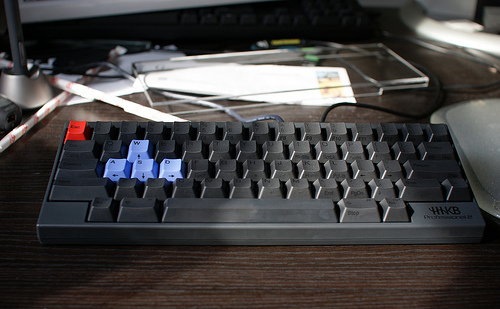
Keyboard: The first thing you'll want to add to your Android unless you already own an Asus Transformer, is some kind of physical keyboard to allow for quicker input when you're word processing or answering e-mails. Fortunately, compatible keyboards are easy to come by and you really are spoiled for choice - whether you want a foldable keyboard or one that's built into your device's cover there are things out there that can help you.
Stand: If you are going to be typing on your device, then you will want a stand to keep it upright while you type so that it really feels like working at a computer. You can get stands that fit onto your keychain and it shouldn't cost more than a couple of dollars from eBay.
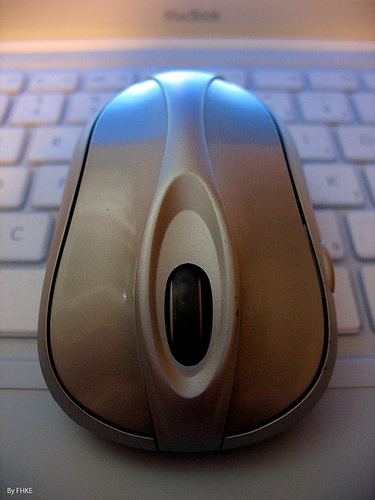
Mouse: Yup, Android devices can also support a mouse which is very useful for quickly navigating around without knocking your stand over by jabbing at the screen.
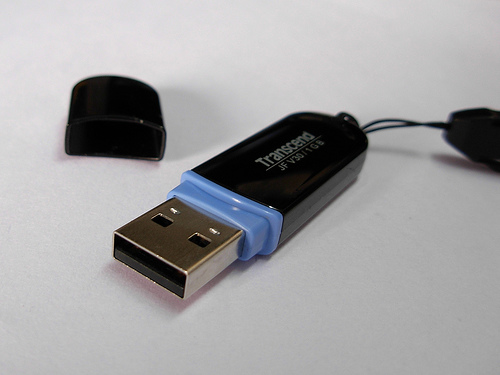
Extra Storage: Most portable devices have relatively small internal storage, so you are going to want to invest in a little more if you hope to start using your Android as a computer-replacement. The best way to do this is with a USB adaptor and then some form of SD card reader or even an external hard drive.
Screen: If you want a full screen experience on your Android, that's possible with a number of devices. Just find a HDMI to micro-USB adaptor and plug in to a HD ready TV and you're good to go!
Software
Office Suit: The main thing most of us use our main computer for is word processing, typing out spread sheets and creating presentations. There's no Microsoft Office available for Android unfortunately but what you can use is Kingsoft Office, Documents to Go or Quick Office Pro - any of which will do most of what you need.
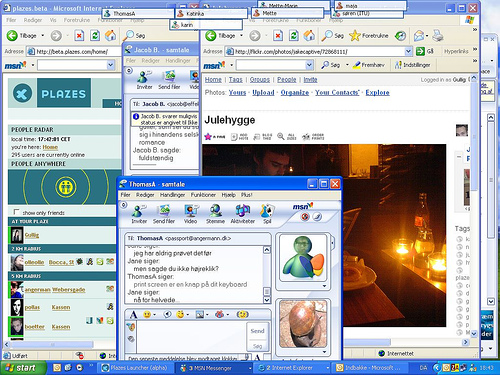
Multitasking: A big benefit of using Windows or Mac OS is the fact that you can have two windows open at once so that you can view the web whilst typing etc. There are a number of ways you can do this on Android fortunately. If you own a Samsung S3, S4 or Galaxy Note 2 or 10 for instance, then you can automatically do this. Otherwise, you can install an app like Multiscreen Multitasking which will give you multiple smaller windows to drag around the screen (though this won't play any app doesn't support .doc files), or if you're a hacker-type you can even install Linux on your gadget.